
Quick Summary
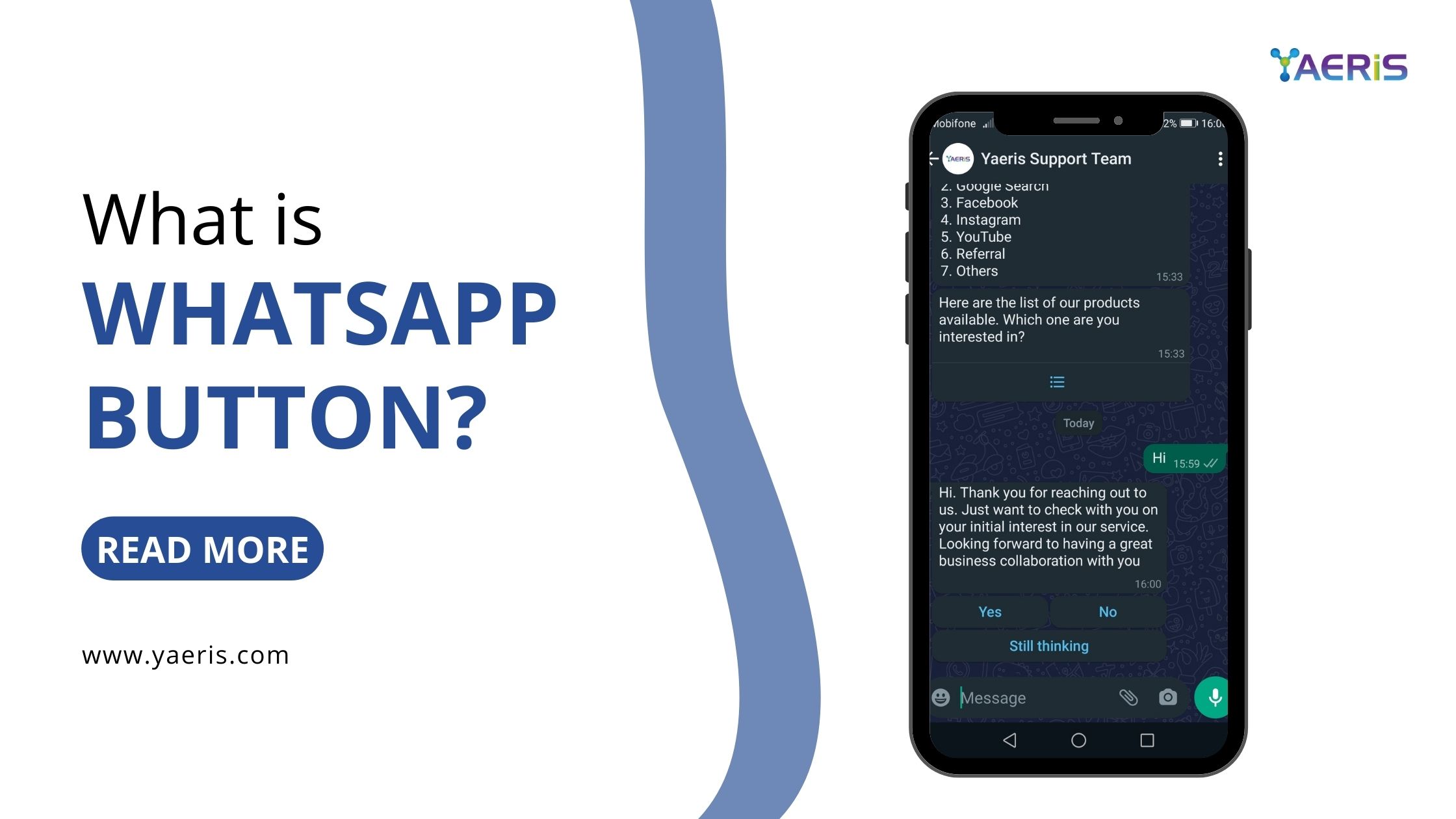
- A WhatsApp Button lets website visitors or message recipients start a WhatsApp chat with a business in one click
- Types include WhatsApp Button Blasting (bulk messages with a clickable button to boost CTR), website chat buttons, click-to-chat links, and in-app Quick Reply or Call-to-Action buttons
- Tools like oChats.io and DelightChat offer customizable chat buttons that can be styled to match a website's branding
- Benefits include better customer engagement, higher conversion rates, personalized support, and access to WhatsApp's 2+ billion users
- Adding a button involves choosing a tool, customizing its design, embedding the generated code, and testing it on desktop and mobile
- Best practices include placing the button prominently, setting response-time expectations, and using pre-filled messages
WhatsApp Button is a versatile tool that enables seamless communication between businesses and their customers through the WhatsApp platform. By integrating a WhatsApp Button on a website or within a message, users can initiate chats effortlessly, enhancing customer engagement and support.
Types of WhatsApp Buttons
- WhatsApp Button Blasting: This is a form of advertising using WhatsApp button. Basically, it sends out WhatsApp bulk messages with button to targeted recipient in improve click-through-rate (CTR).
- Website Chat Button: This is an interactive icon or widget embedded on a website, allowing visitors to start a WhatsApp conversation with the business directly. When clicked, it opens a chat window, facilitating immediate communication. Tools like oChats.io and DelightChat offer customizable WhatsApp chat buttons that can be tailored to match the website's design and branding.
- Click-to-Chat Links: WhatsApp's click-to-chat feature enables users to begin a chat without saving the recipient's phone number. By clicking a link, users are directed to a chat window with a predefined message, streamlining the communication process.
- In-App Message Buttons: Within WhatsApp Business API, businesses can incorporate interactive buttons in their messages, such as:
- Quick Reply Buttons: Allow users to respond with a single tap, sending predefined replies.
- Call-to-Action Buttons: Enable users to perform actions like visiting a website or making a phone call directly from the chat.
Benefits of Implementing a WhatsApp Button
- Enhanced Customer Engagement: Facilitates real-time communication, leading to improved customer satisfaction and trust.
- Increased Conversion Rates: Immediate responses to inquiries can boost sales and conversion rates.
- Personalized Support: Offers a direct channel for personalized customer service, addressing specific needs promptly.
- Wider Reach: With over 2 billion users worldwide, WhatsApp provides a vast platform for businesses to connect with a diverse audience.
Implementing a WhatsApp Button on Your Website
Adding a WhatsApp Button to your website is a straightforward process:- Choose a Reliable Tool: Select a service that offers customizable WhatsApp chat buttons, such as oChats.io or DelightChat.
- Customize the Button: Adjust the design, color, and position to align with your website's aesthetics.
- Generate and Embed the Code: After customization, generate the code snippet and embed it into your website's HTML.
- Test Functionality: Ensure the button works correctly on both desktop and mobile devices, providing a seamless user experience.
Best Practices for Using WhatsApp Buttons
- Strategic Placement: Position the button where it's easily visible, such as the bottom corner of the webpage, to encourage interaction.
- Set Expectations: Inform users about your typical response time to manage expectations and enhance satisfaction.
- Use Pre-Filled Messages: Incorporate predefined messages to streamline conversations and gather essential information upfront.
- Maintain Privacy Compliance: Ensure that your use of WhatsApp aligns with privacy regulations and that user data is handled securely.
Conclusion
Integrating a WhatsApp Button into your digital communication strategy can significantly enhance customer engagement and support. By providing a direct, efficient, and widely-used channel for interaction, businesses can foster stronger relationships and drive growth. Embracing this tool not only meets the evolving preferences of consumers but also positions your business at the forefront of customer-centric service.
Related Articles



We're Ready, Are You?
Let's grow your reach together
What we do here is to help our customers (you) get the result you want at a tiny fraction of your business revenue.
Explore Yaeris